← Back to help

How do I disconnect a bank?

Disconnect a bank from your Monaio account.

  1. Log in to your Monaio account and find the bank under Connected banks.
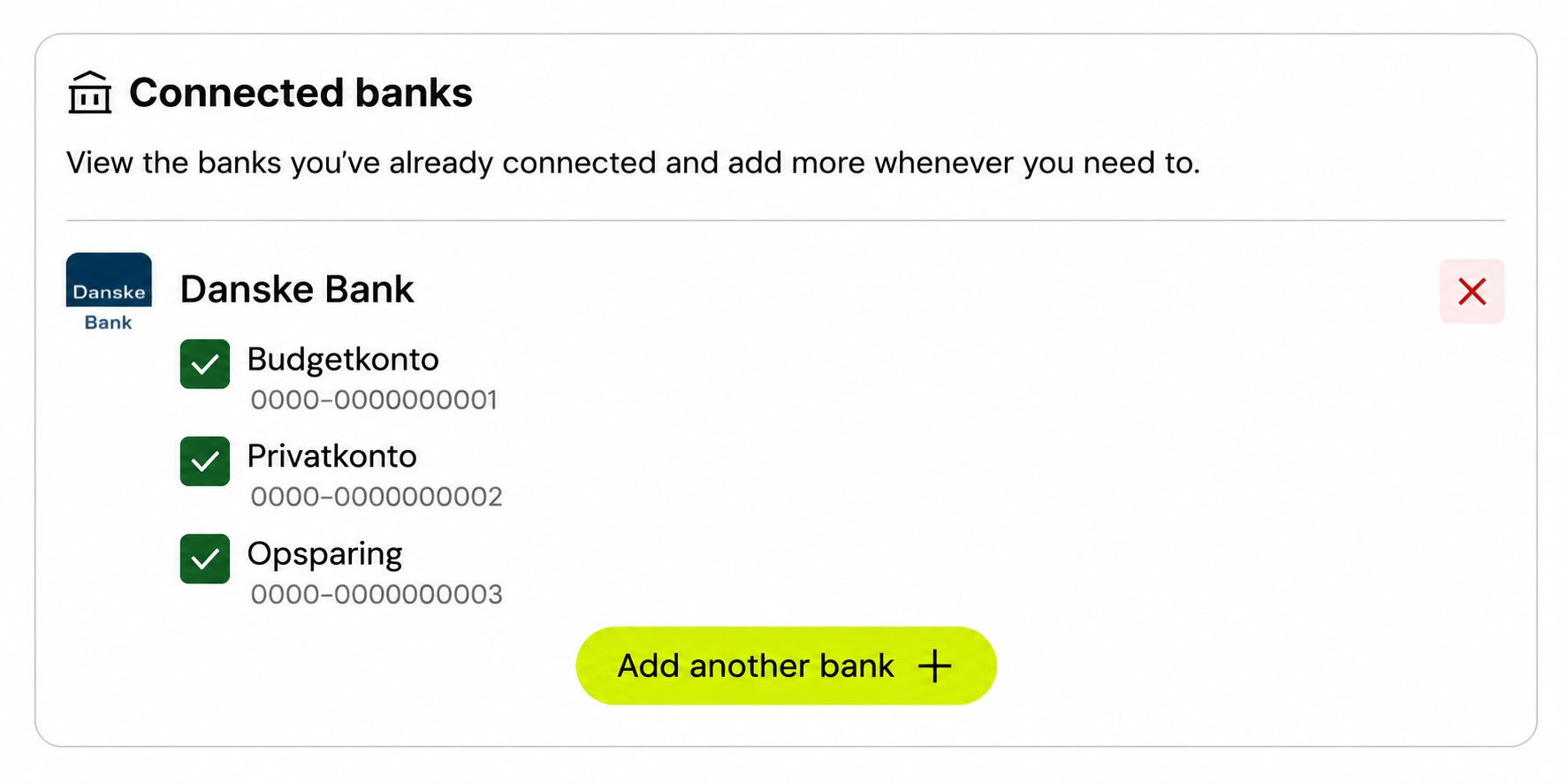
    Connected banks with one bank, three anonymized accounts, checkboxes, a red remove button and Add another bank.
  2. Select the red X to the right of the bank’s name and follow any on-screen steps.

  3. The bank is disconnected from Monaio. You can connect the bank again using Add another bank.
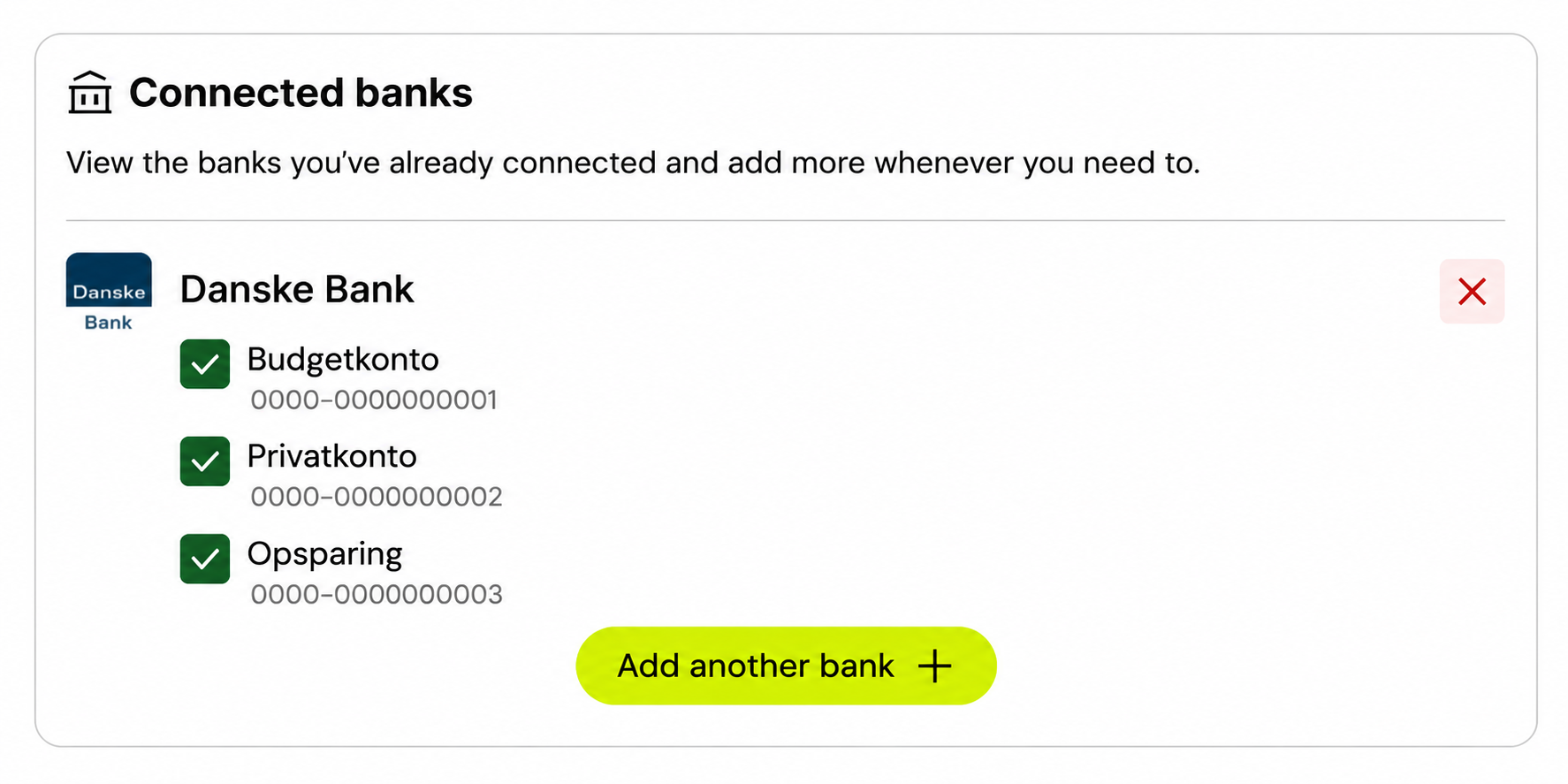
To leave out just one account, change its checkbox instead of disconnecting the bank.

We’re getting ready

Login is not available here yet. Get in touch if you have a question about Monaio.

How to connect