← All AI assistants
Use Monaio in Lovable
Sign in to Lovable and open Connectors from the side menu.
Show screenshot
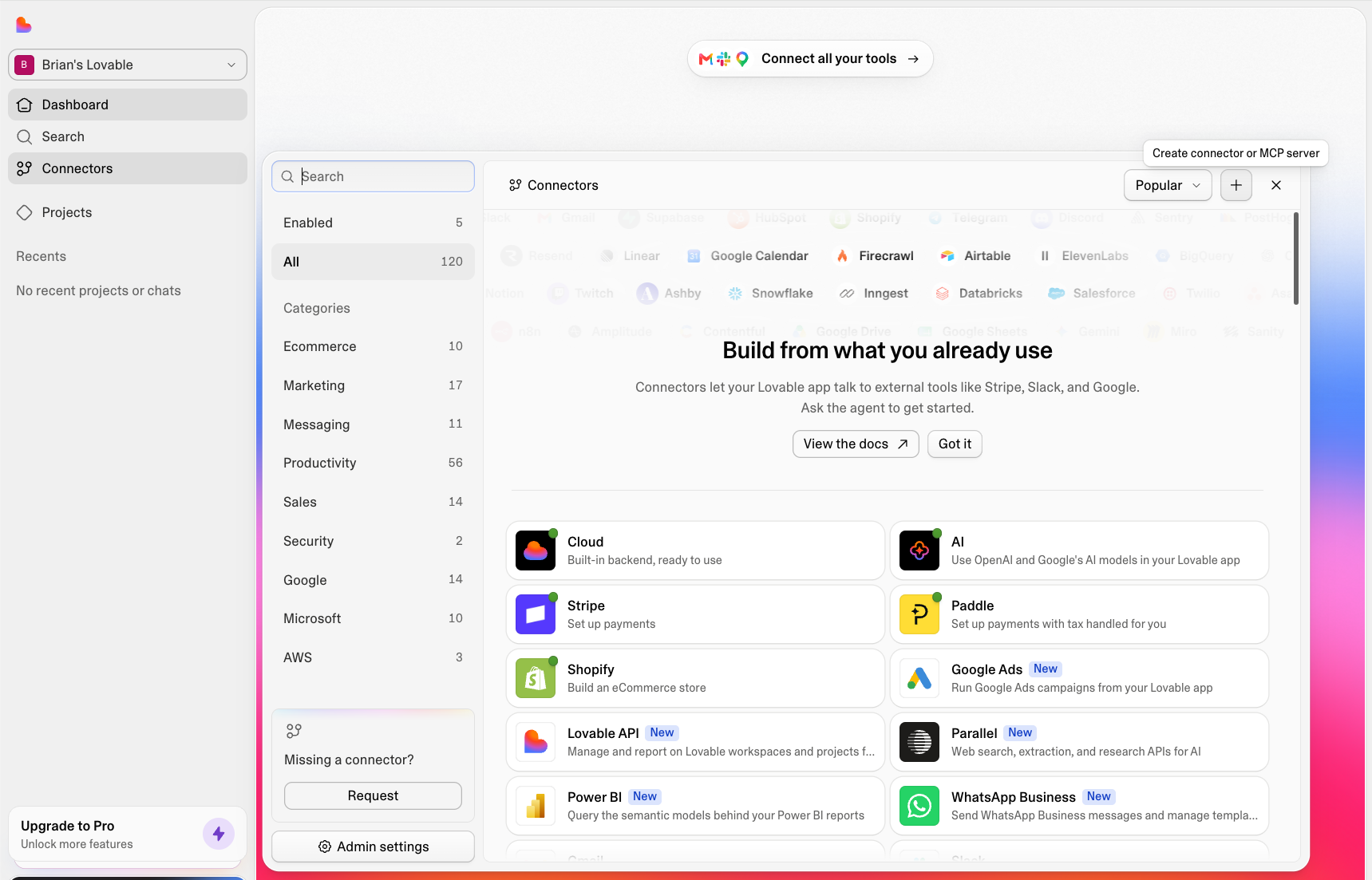
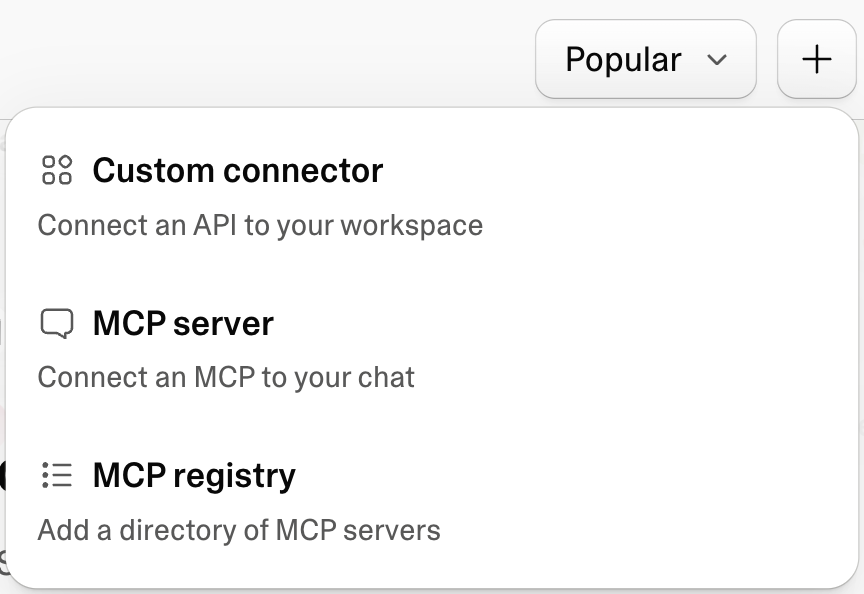
Select the plus button and choose to add an MCP server.
Show screenshot
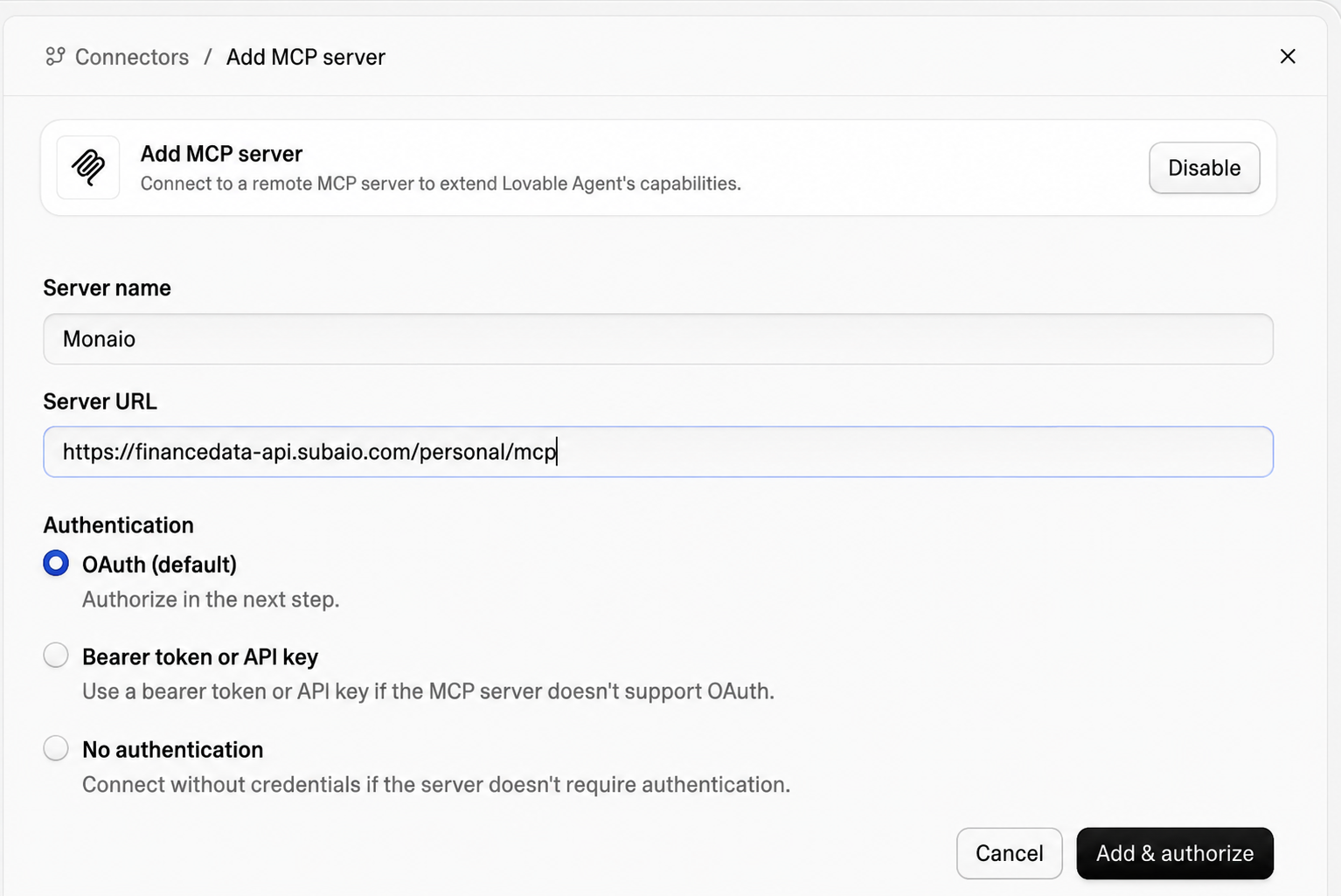
Enter Monaio as the name, paste the address and select Add & authorize:
https://financedata-api.subaio.com/personal/mcpShow screenshot
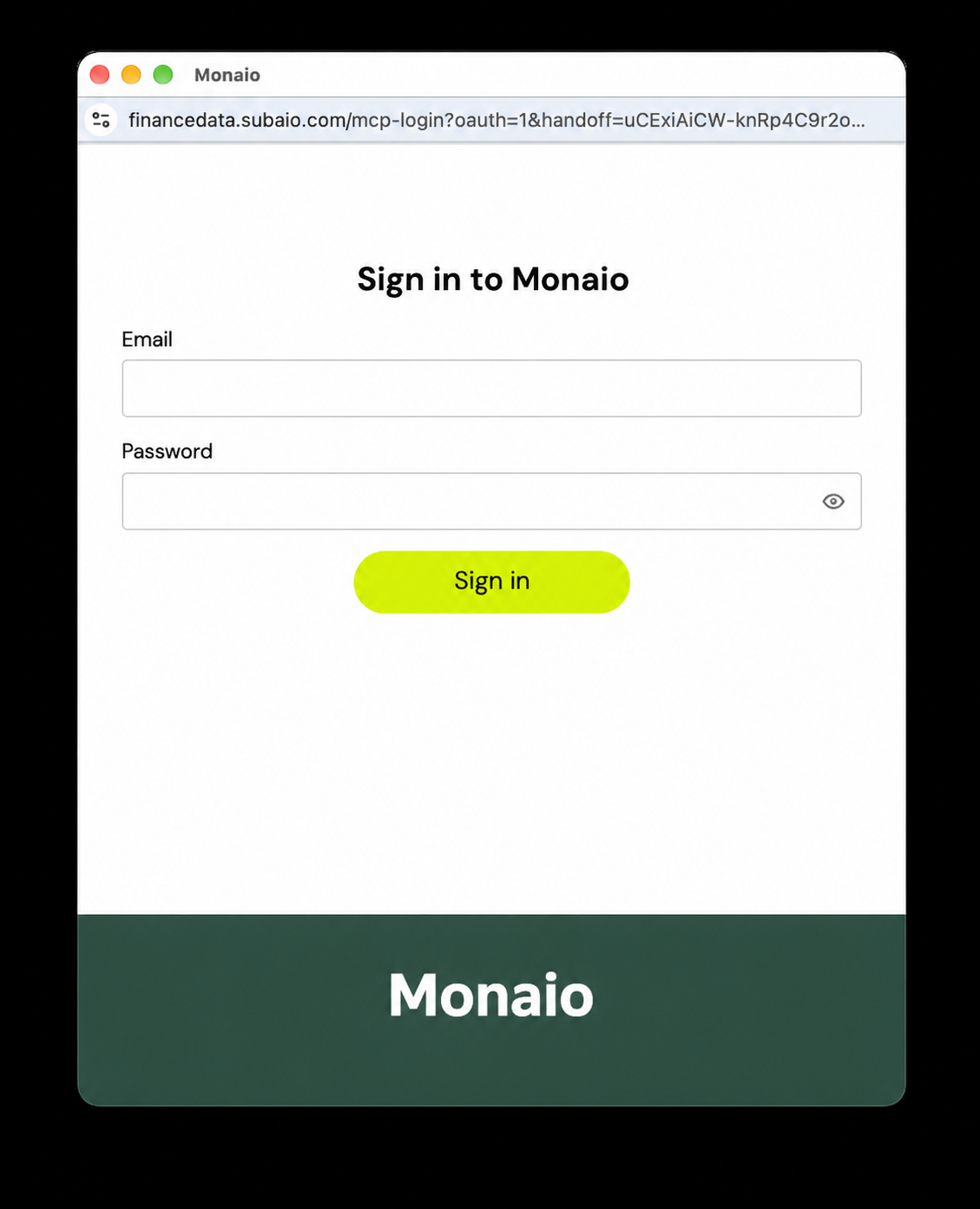
Sign in with your Monaio account.
Show screenshot
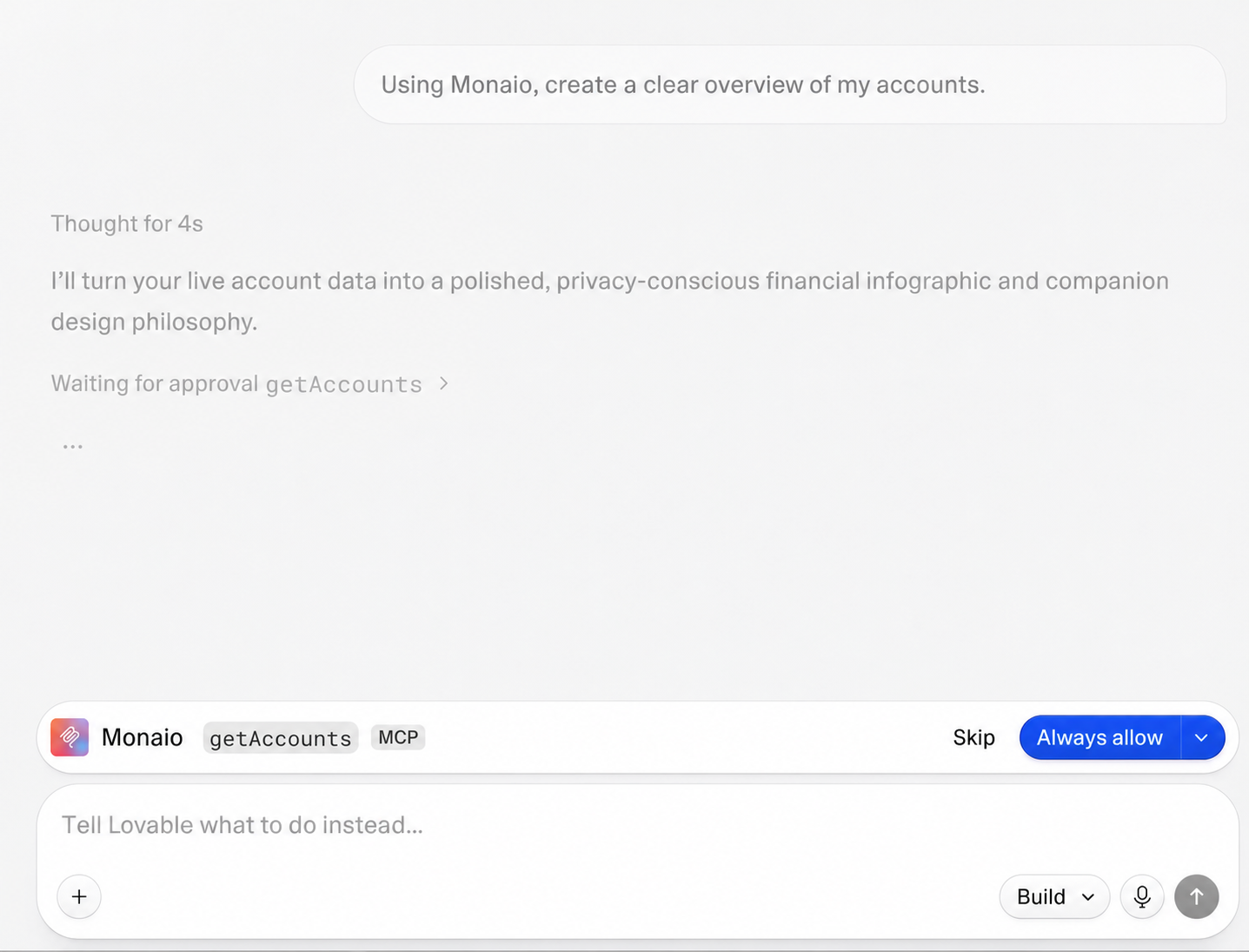
Enable Monaio in a project or conversation and ask Lovable about your finances:
“What are my last five transactions?”
Show screenshot
You need access to MCP servers in Lovable. Availability may depend on your plan and workspace settings.