Before you start
- You have created an Monaio account.
- You have connected at least one bank account to Monaio.
- You have access to the AI assistant you want to use.

Use the name Monaio business when you create the connection. Sign in with your Monaio account.
Claude supports custom connections on Free, Pro and Max. Free is limited to one custom connection. On Team and Enterprise, your organization must make the connection available first. Any Claude subscription is separate from Monaio. Claude ↗
Find your connections
Open Claude in your browser or desktop app and go to Customize → Connectors.

Add Monaio
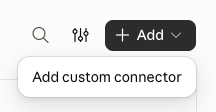
Select + Add, then Add custom connector.
Enter the connection address
Use Monaio business as the name, paste the address below into Remote MCP server URL and select Continue.
Connection nameMonaio businessConnection addresshttps://financedata-api.subaio.com/business/mcp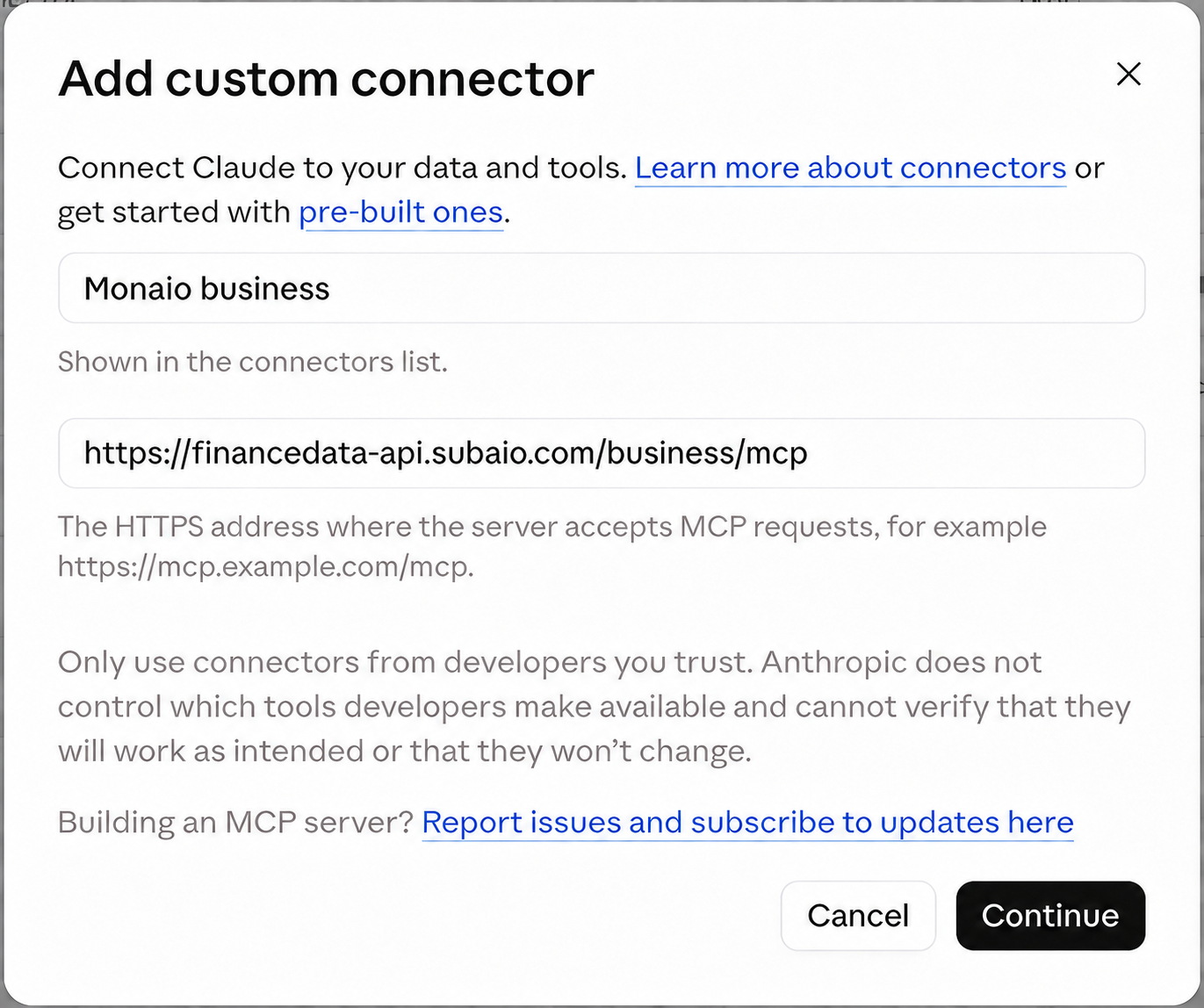
Start the connection
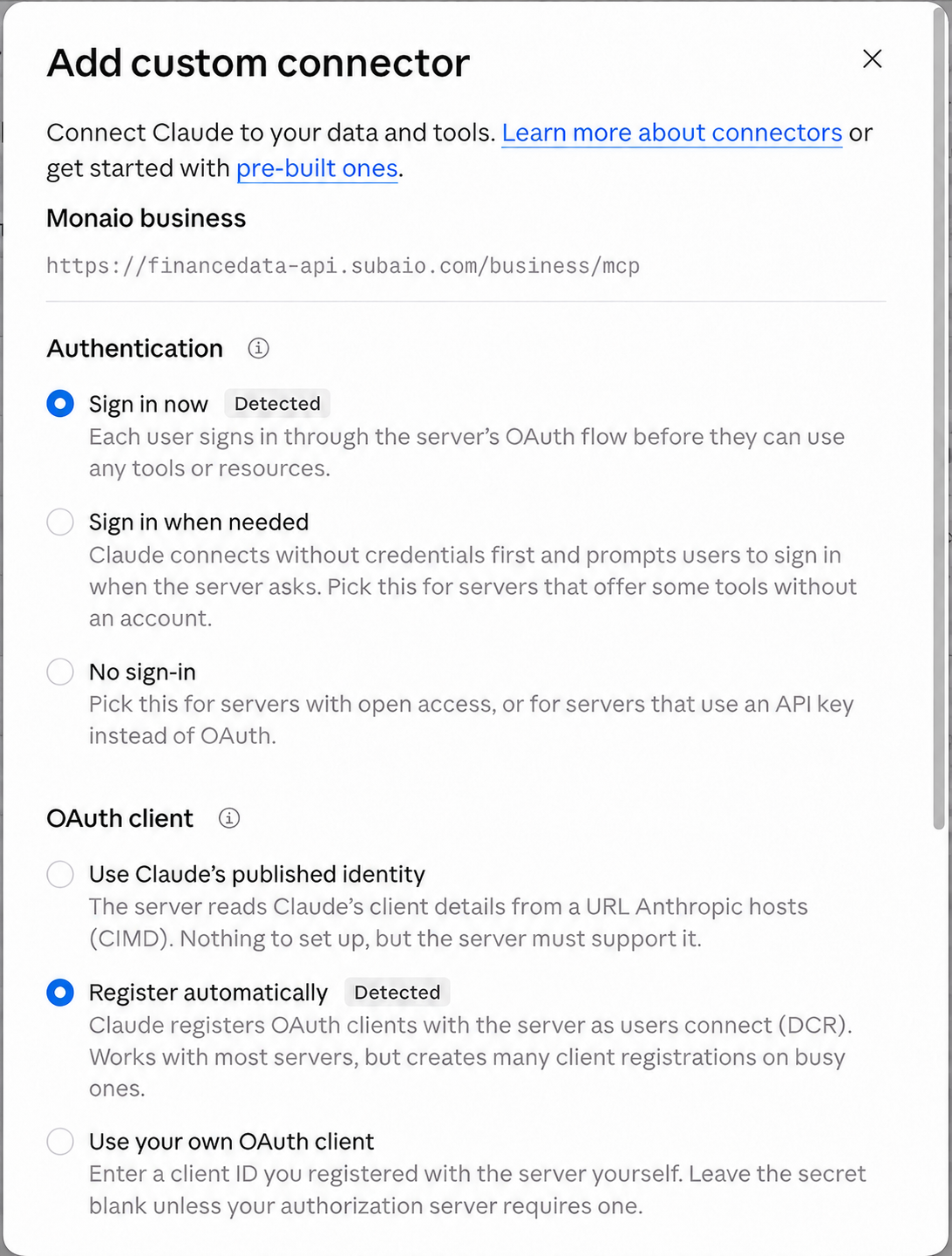
Keep the detected authentication settings so you sign in with your own account. Select Add, then Connect.

Sign in with your Monaio account
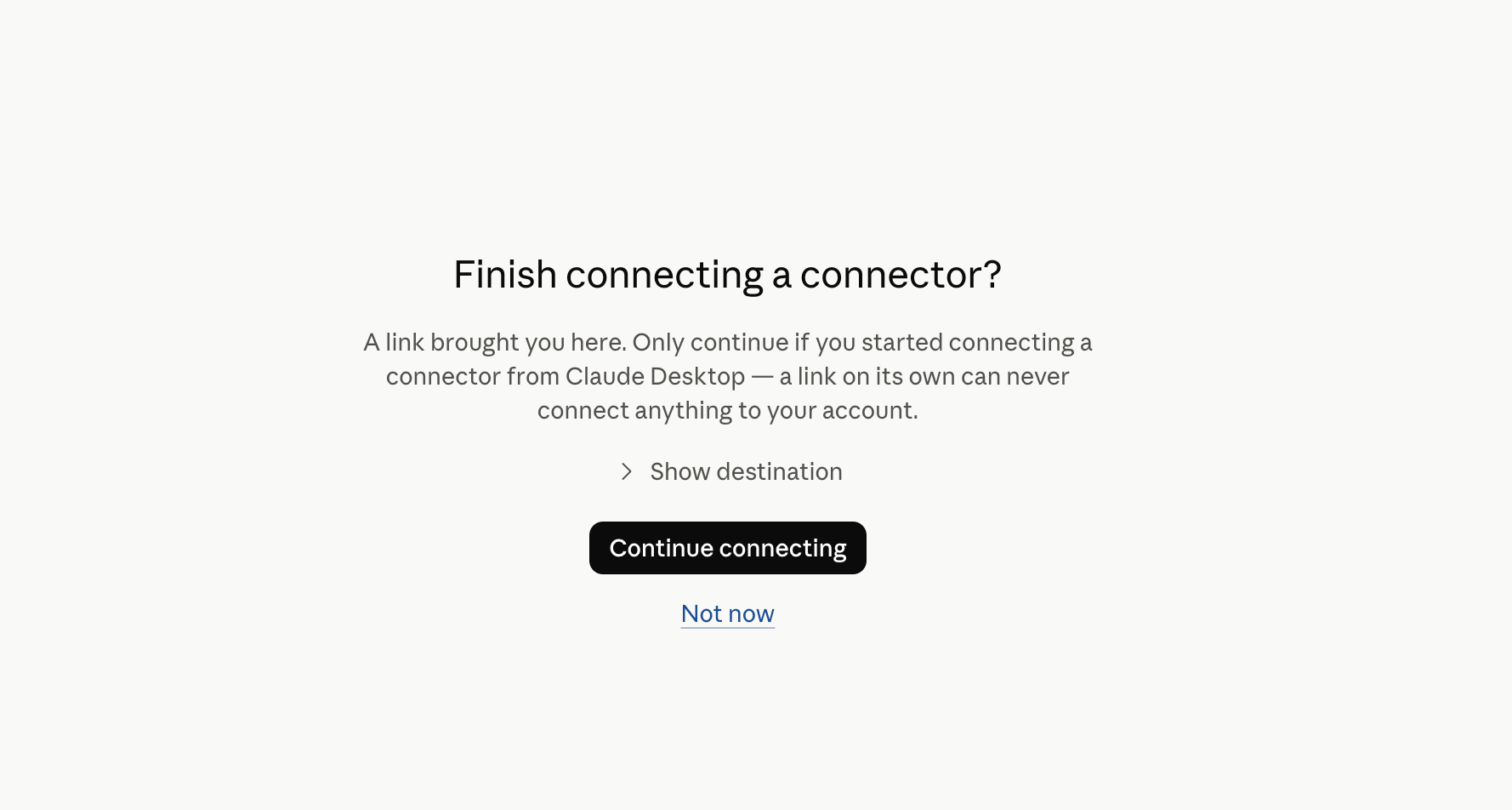
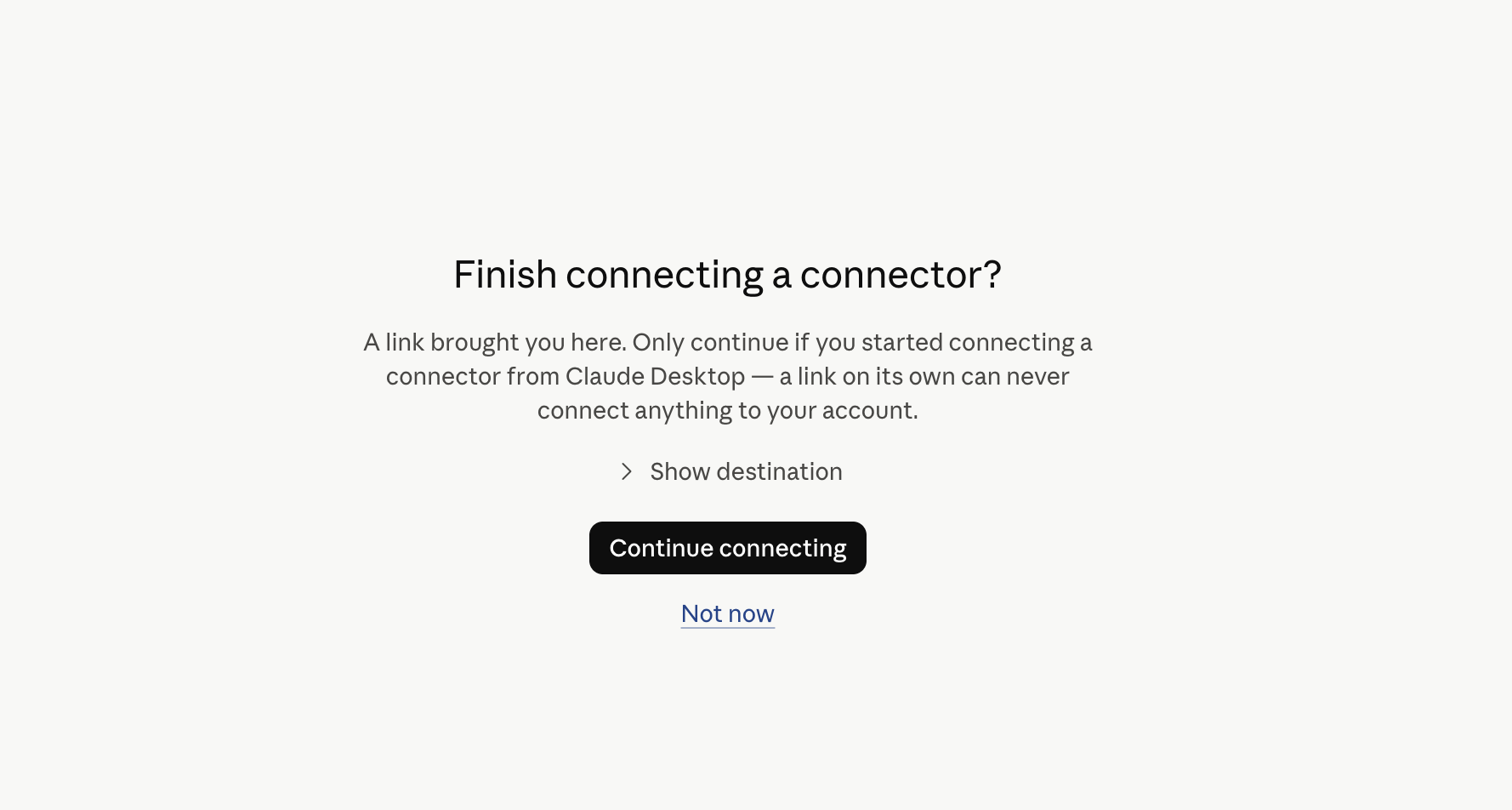
Follow Monaio’s sign-in window in your browser. In the desktop app, you may first need to select Continue connecting. Review the access and choose the profile with your own bank data.
Enable Monaio in your conversation
Open a conversation, select the plus button and enable Monaio under Connectors. Try the question below.
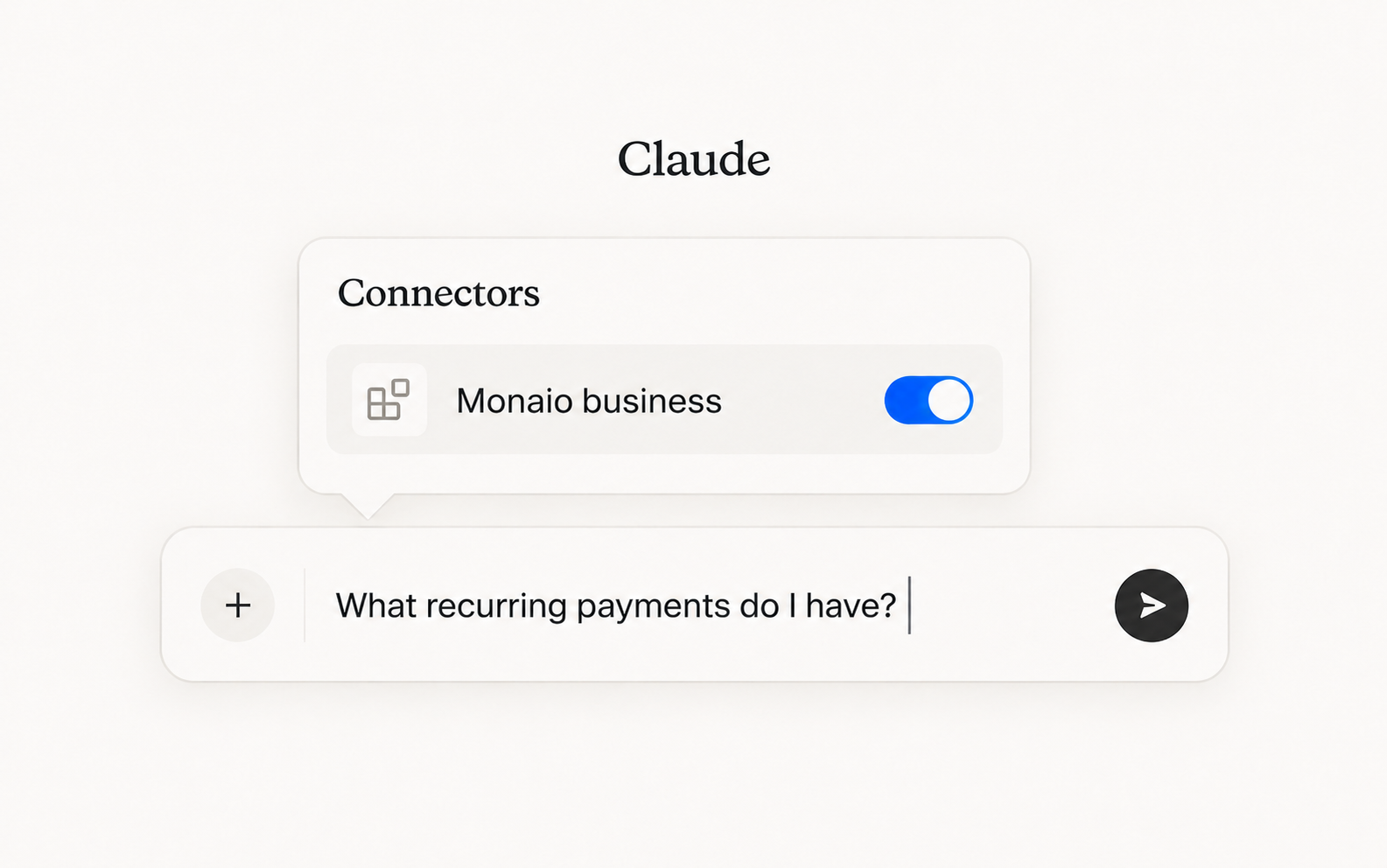
Illustration Test the connection
“What recurring payments do I have?”

You’re ready!
Once you receive an answer based on your own transactions, your connection is ready. You could ask:
- How much have I spent on groceries this month?
- Which subscriptions am I paying for?
- When did I last pay the dentist?
