← Back to help
How do I change which accounts are included?
Choose which accounts from your bank to include in Monaio.
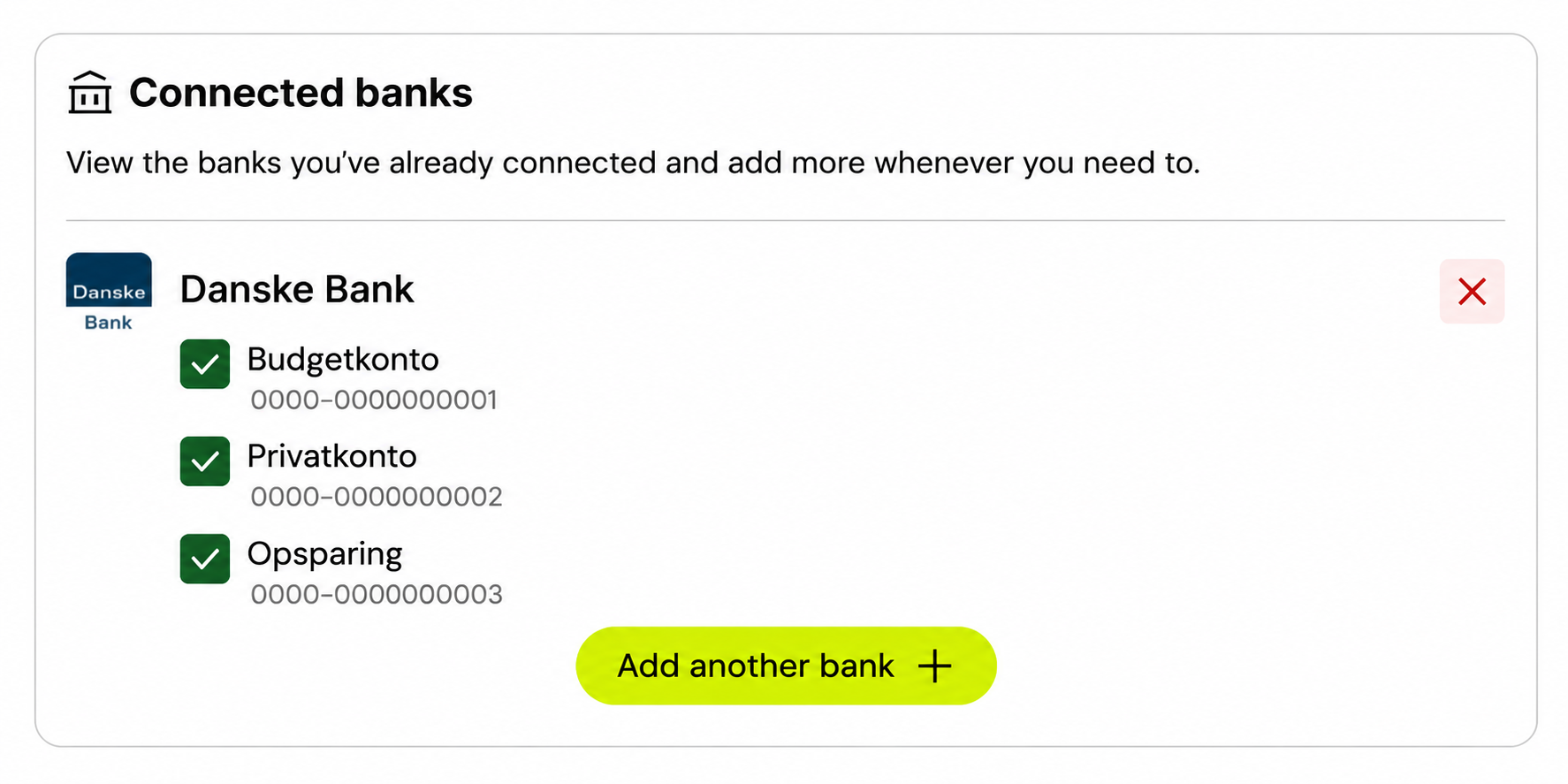
Log in to your Monaio account and find Connected banks.
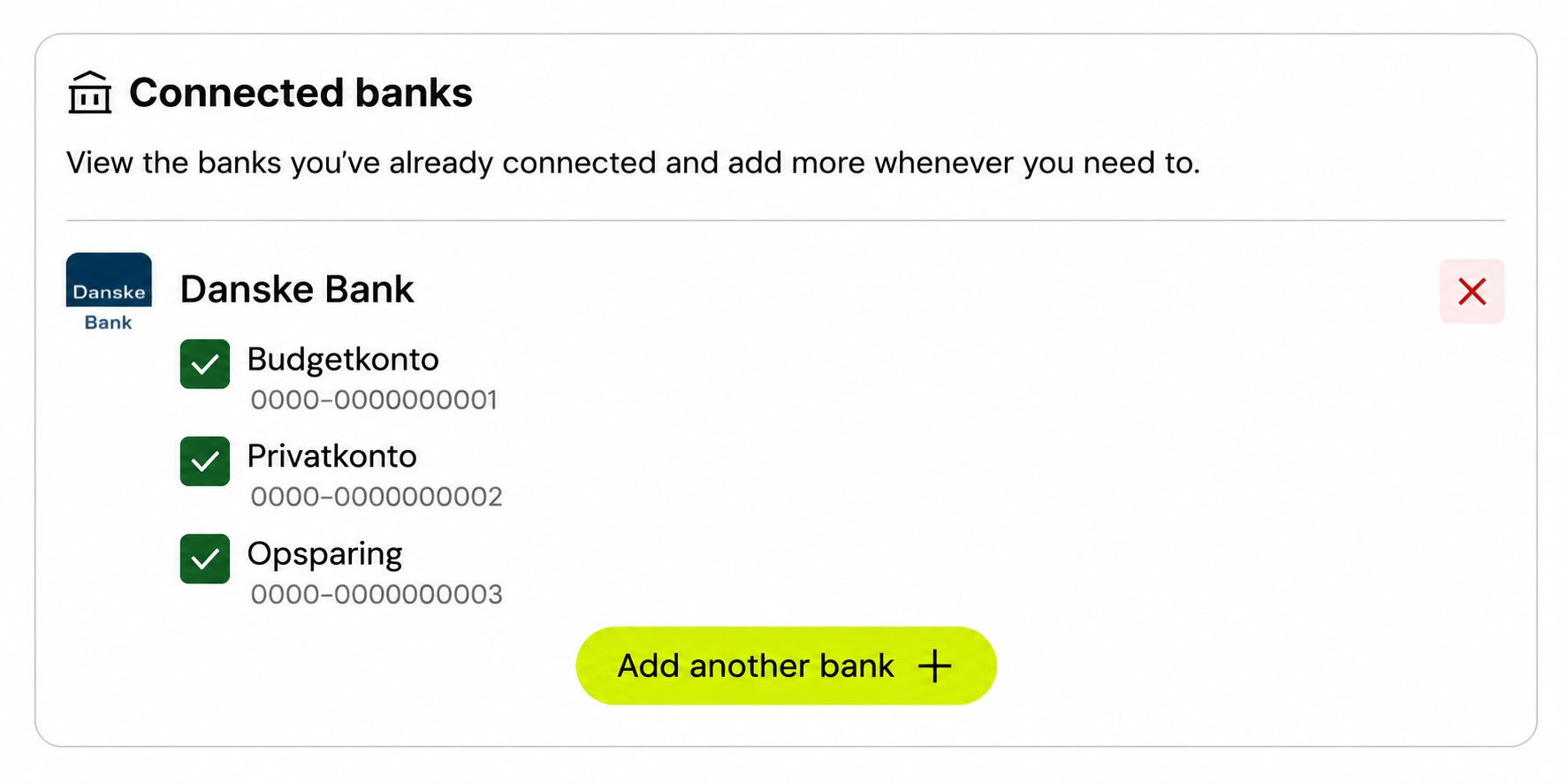
Find the bank and accounts you want to change.
Select the checkbox next to each account you want to use in Monaio, or clear it to leave an account out. You can change your selection here again later.