← Back to help
How do I connect a new bank?
Connect a bank and choose the accounts you want to use in Monaio.
Log in to your Monaio account and find Connected banks.
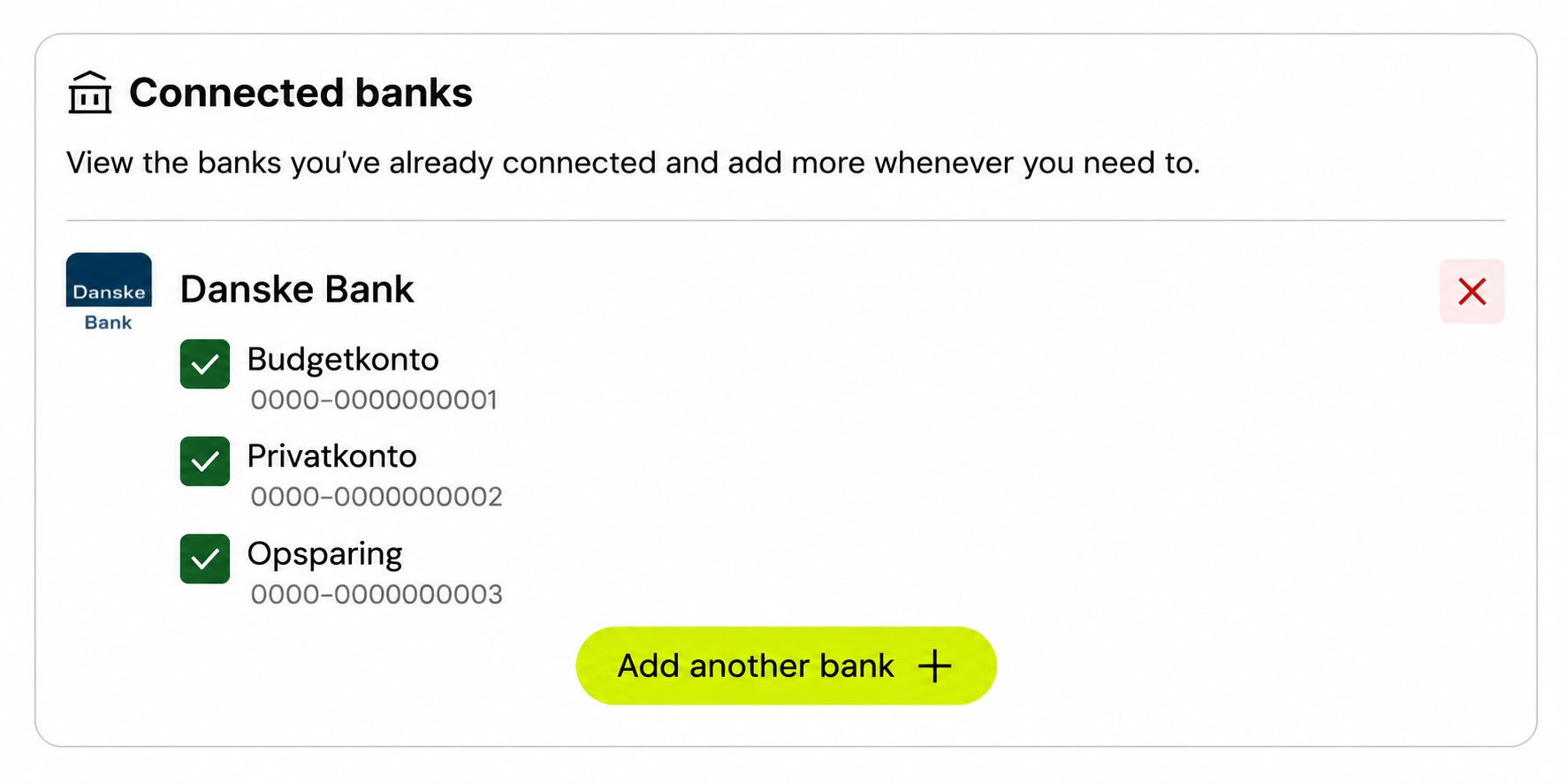
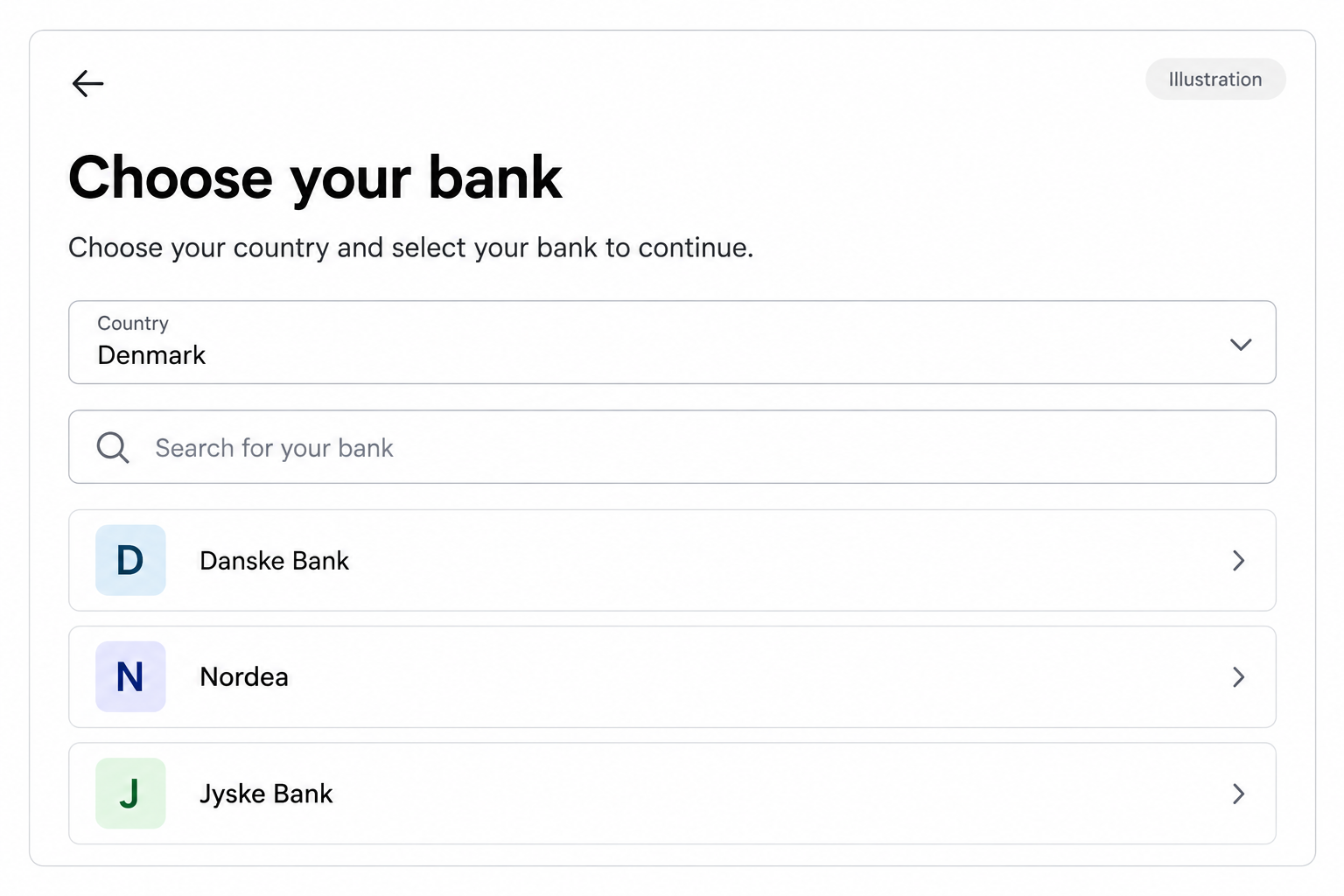
Select Add another bank and find the bank you want to add.
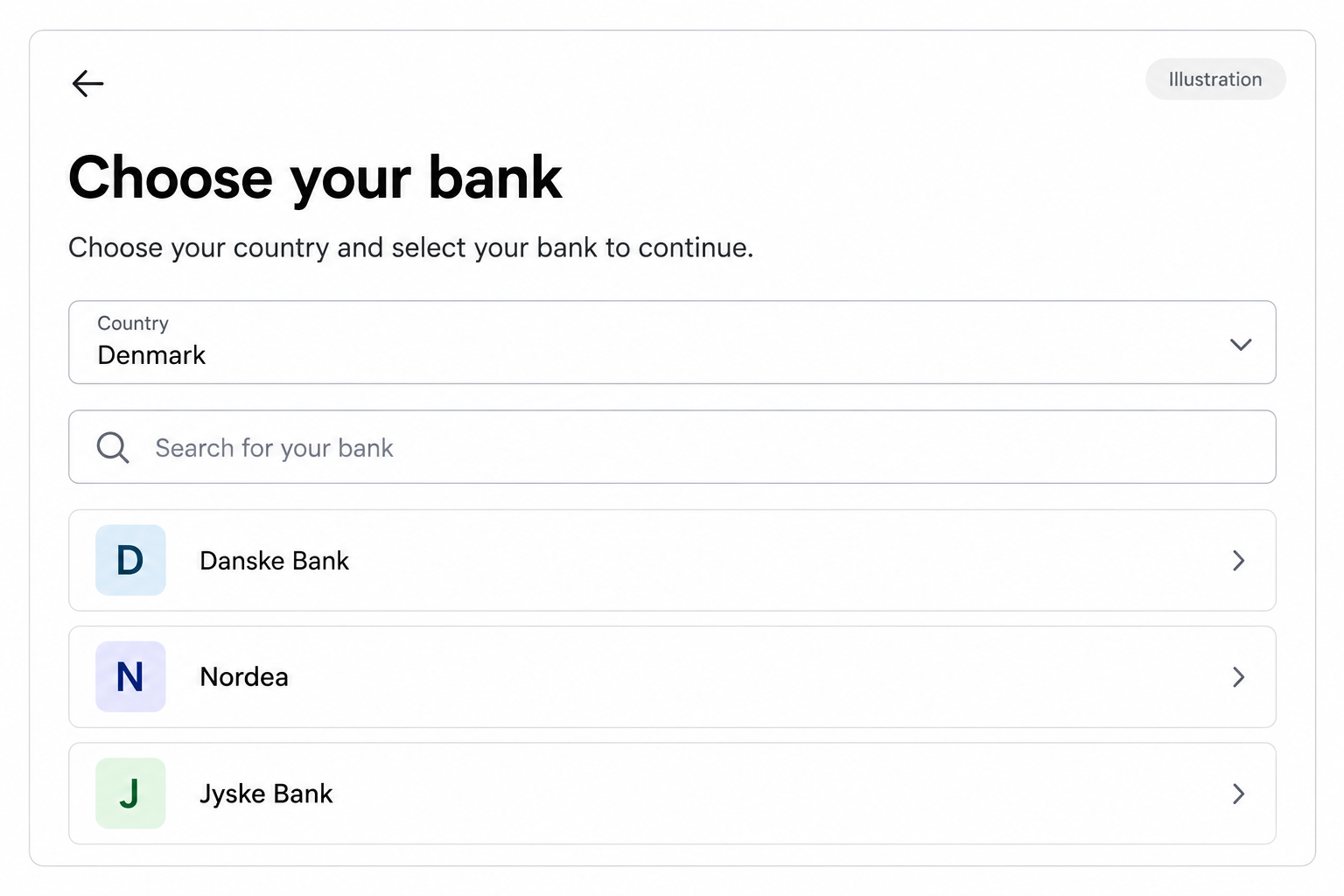
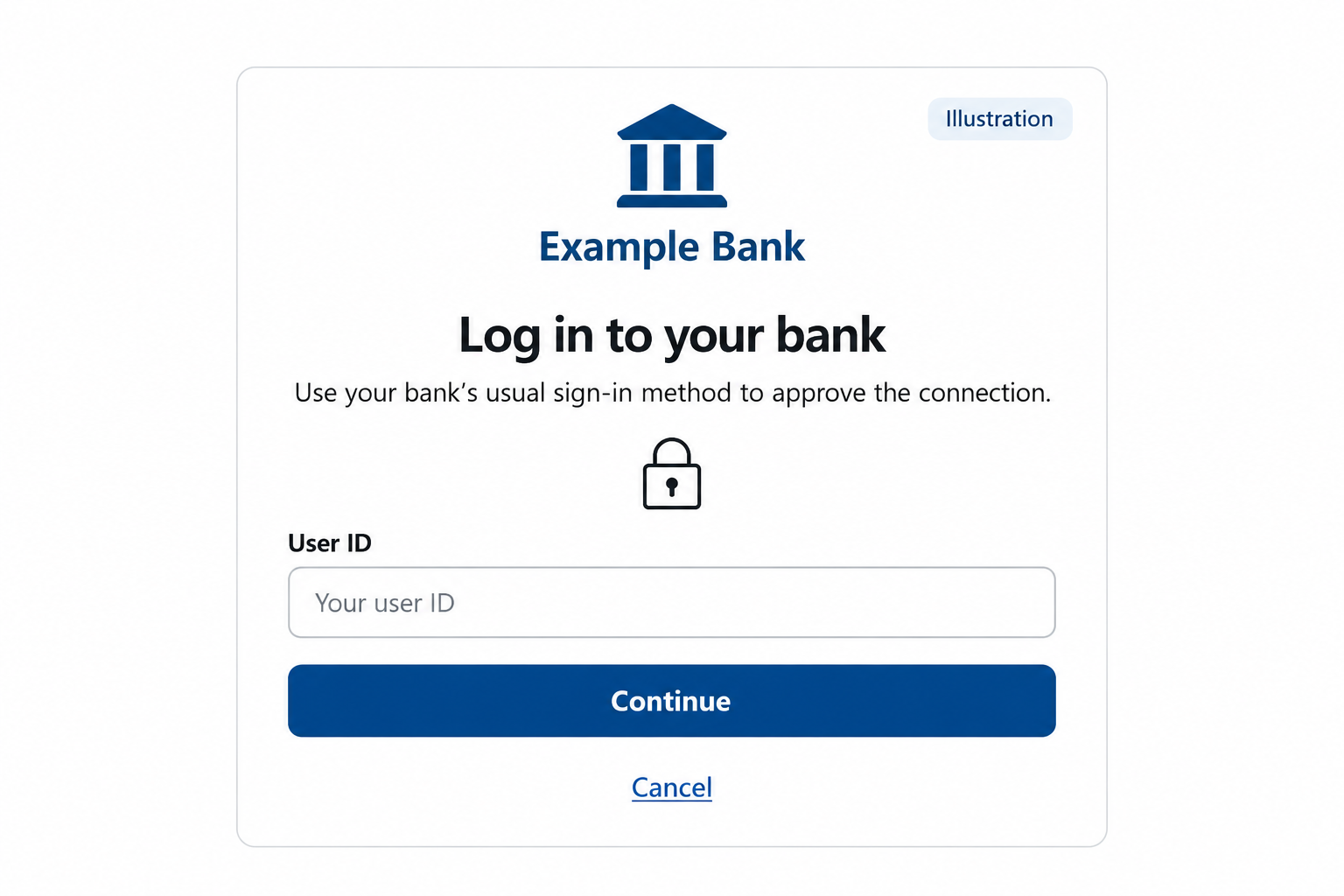
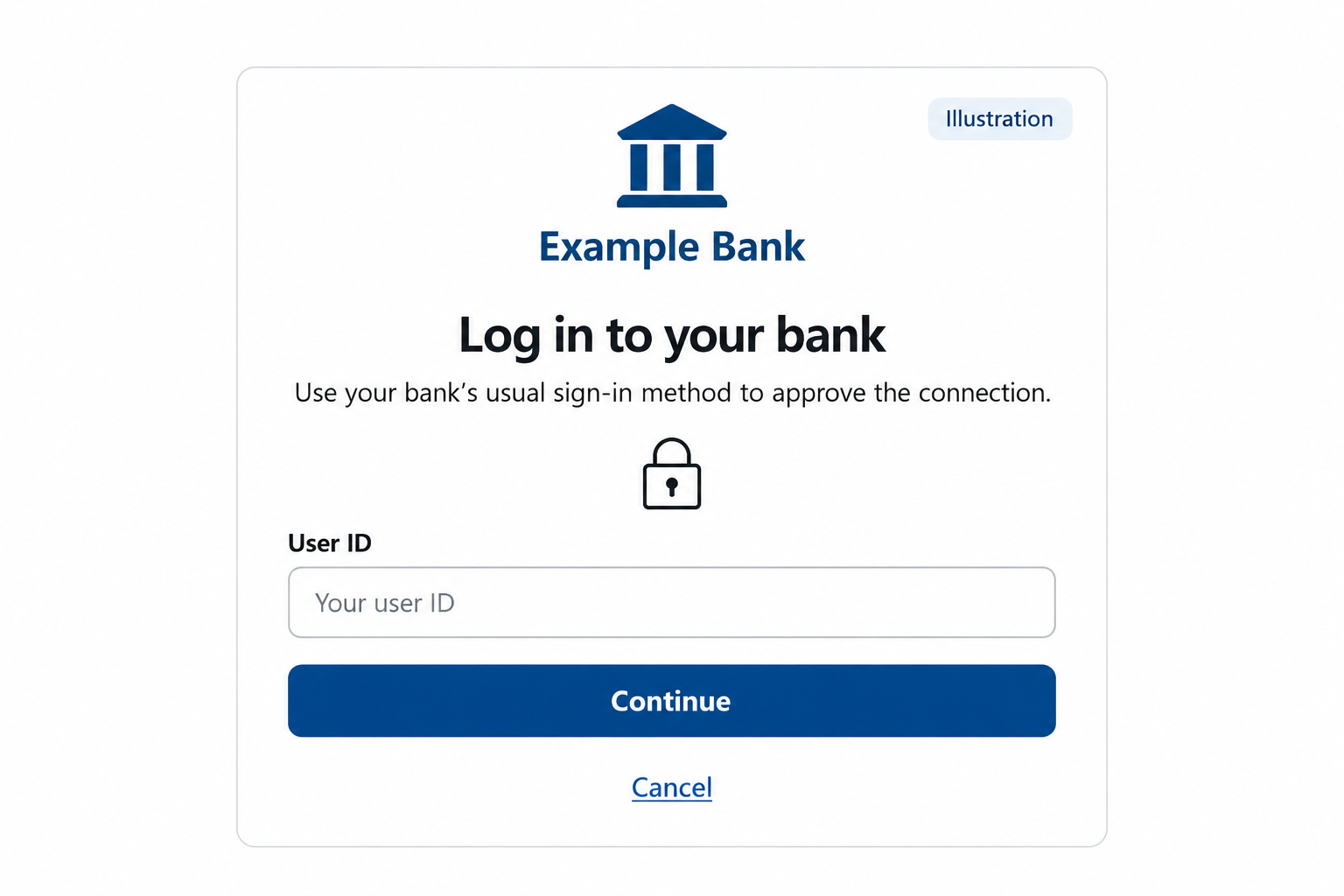
Illustration Complete your bank’s sign-in process and approve the connection. Then select the accounts you want to use in Monaio.
Illustration
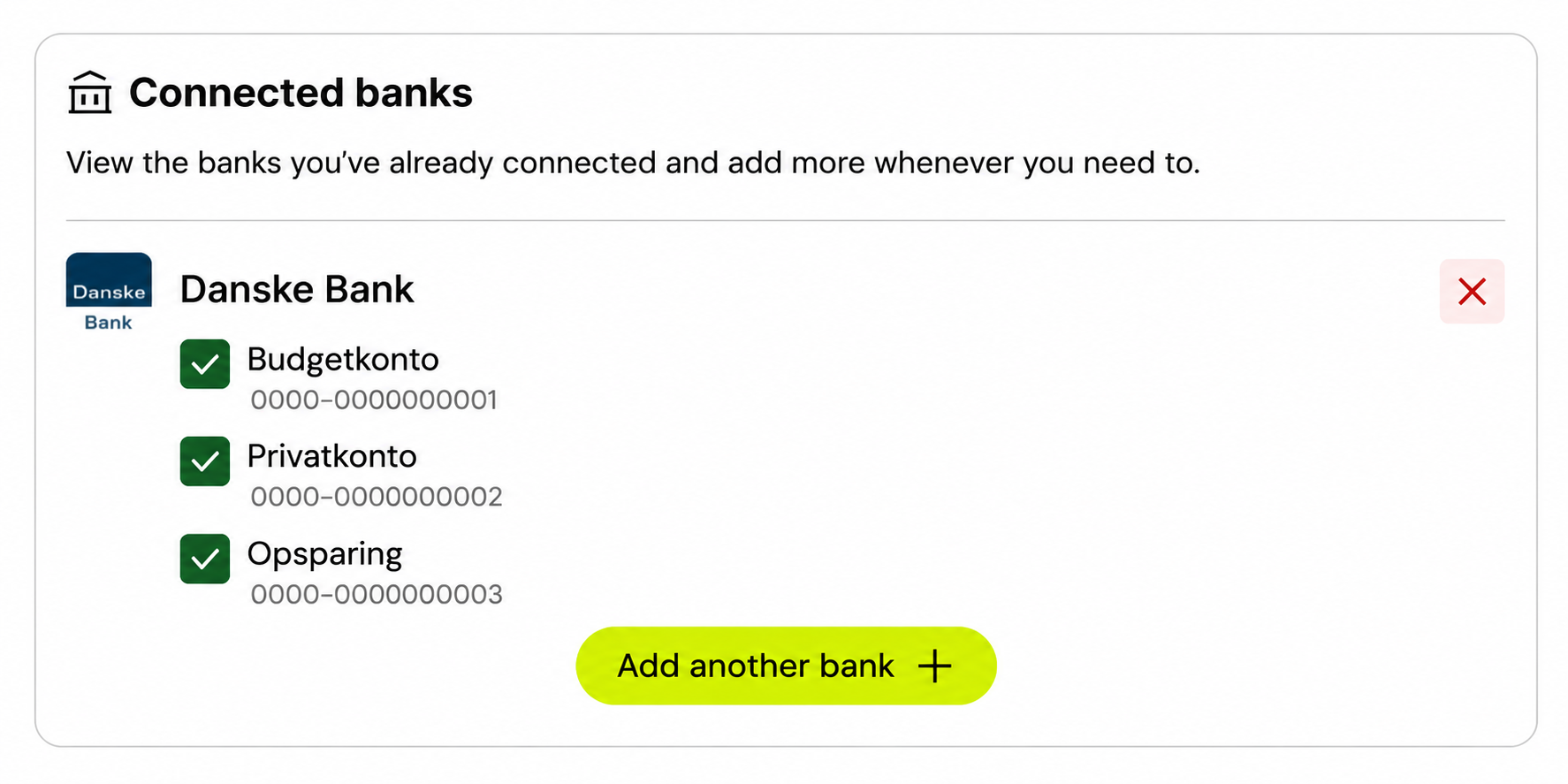
You can only have one active connection to each bank at a time. If the bank is already connected, adjust the accounts on that connection. To connect the same bank again, disconnect the existing connection first.